Free · made for the iPhone Duo

Closed, the gate's locked.
Open it. You're on the court.

A lock screen and a home screen that go together. Folded, it's the court gate with a PickleJar keychain on the lock. Unfold it and you're looking down on the court, net right on the hinge. They work on any phone, too.

Golden hour

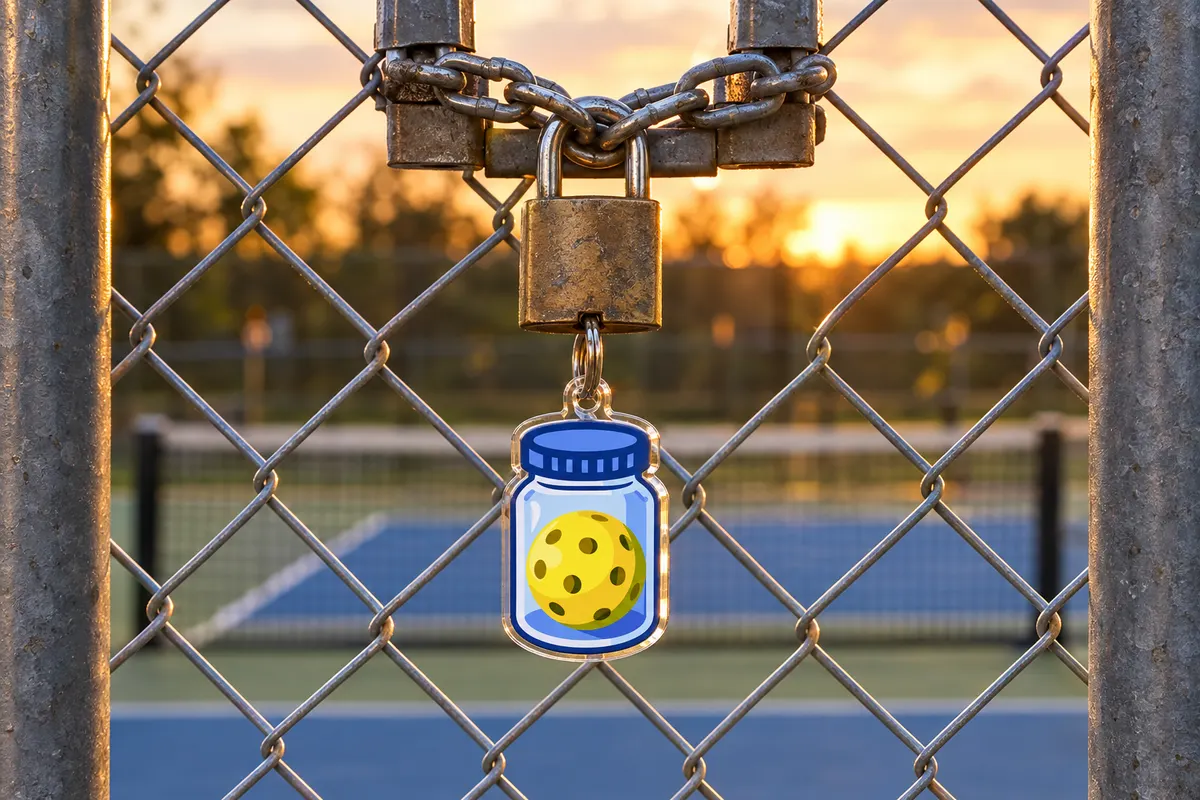
Last light over the courts. The gate’s locked till morning.

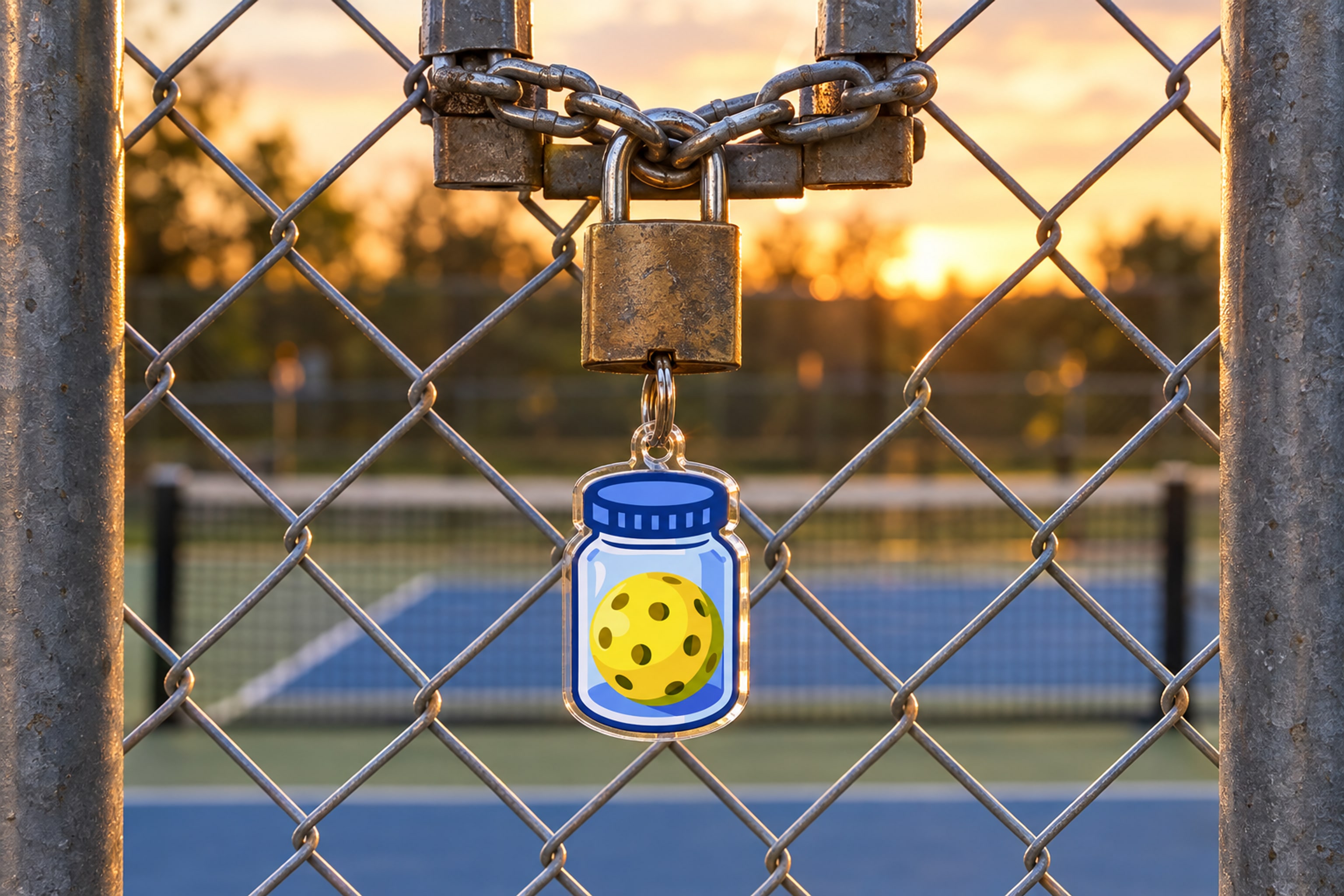
A chain-link court gate locked at sunset, a PickleJar keychain hanging from the padlock
Lock screenDownload
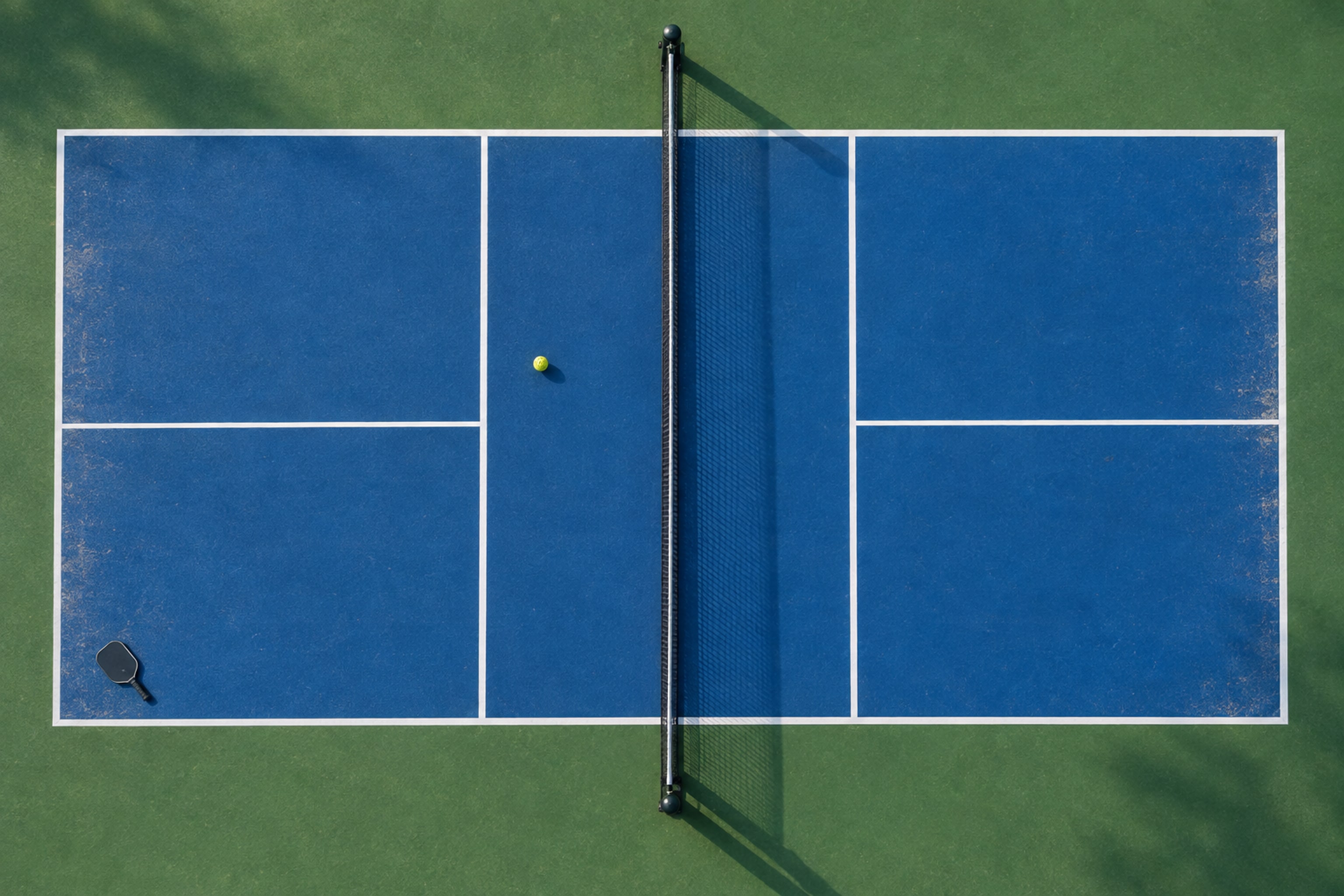
A pickleball court from straight above in late-afternoon sun, the net down the middle
Home screenDownload

Under the lights

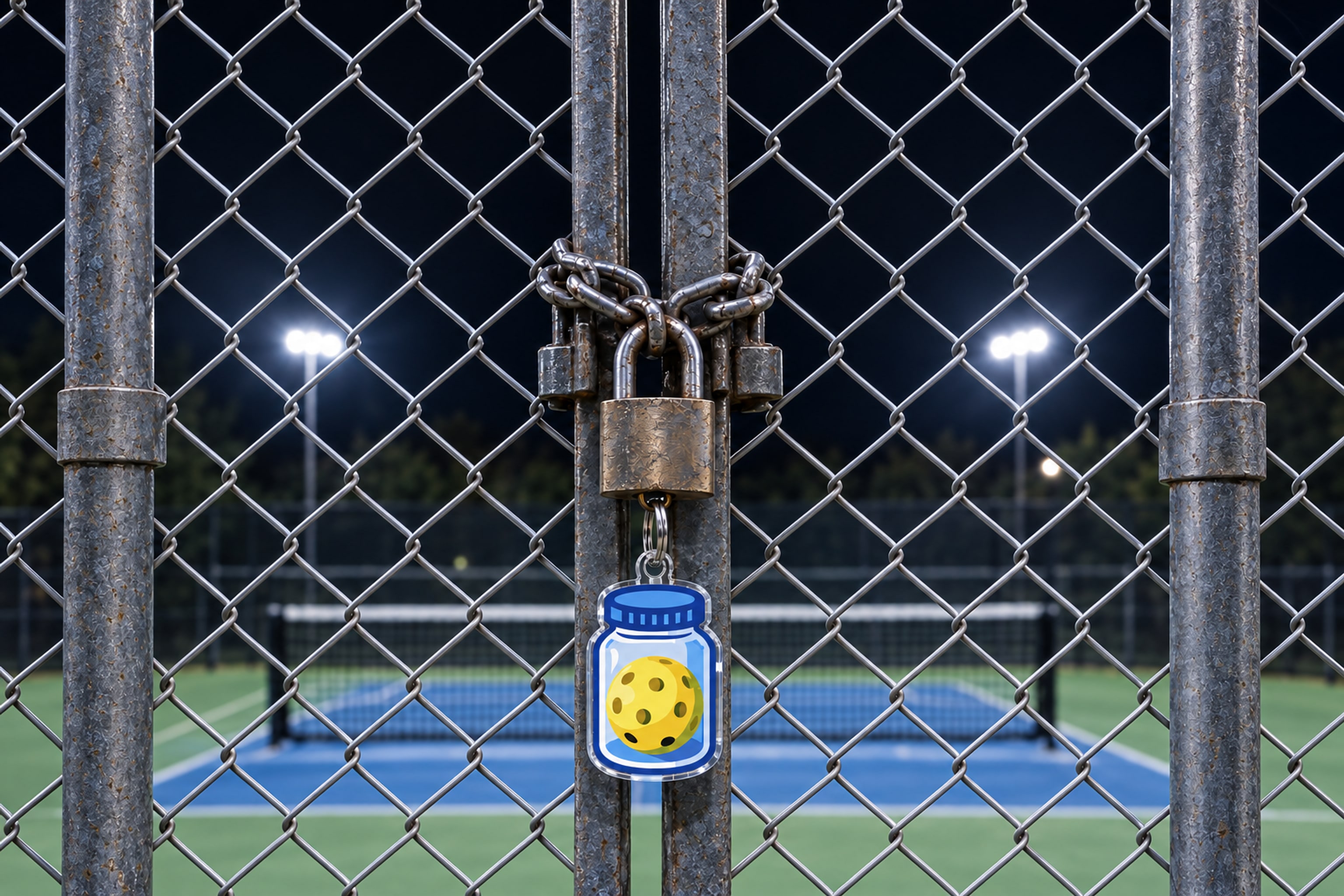
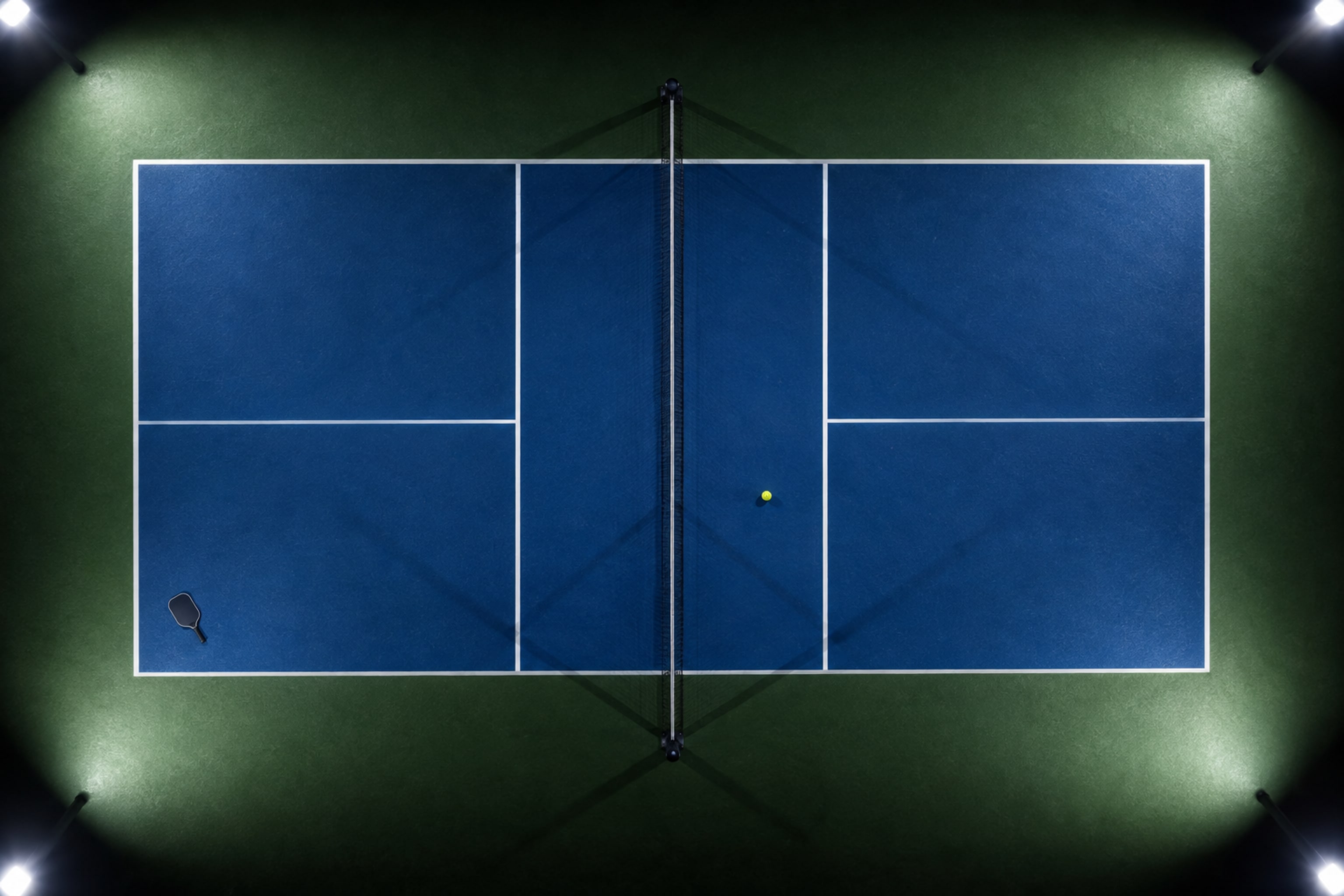
Night play. Four lights, four net shadows, one ball in the kitchen.

A chain-link court gate locked at night under court lights, a PickleJar keychain on the padlock
Lock screenDownload
A pickleball court from straight above at night under four court lights
Home screenDownload

More lock screens

Pair either with a court.

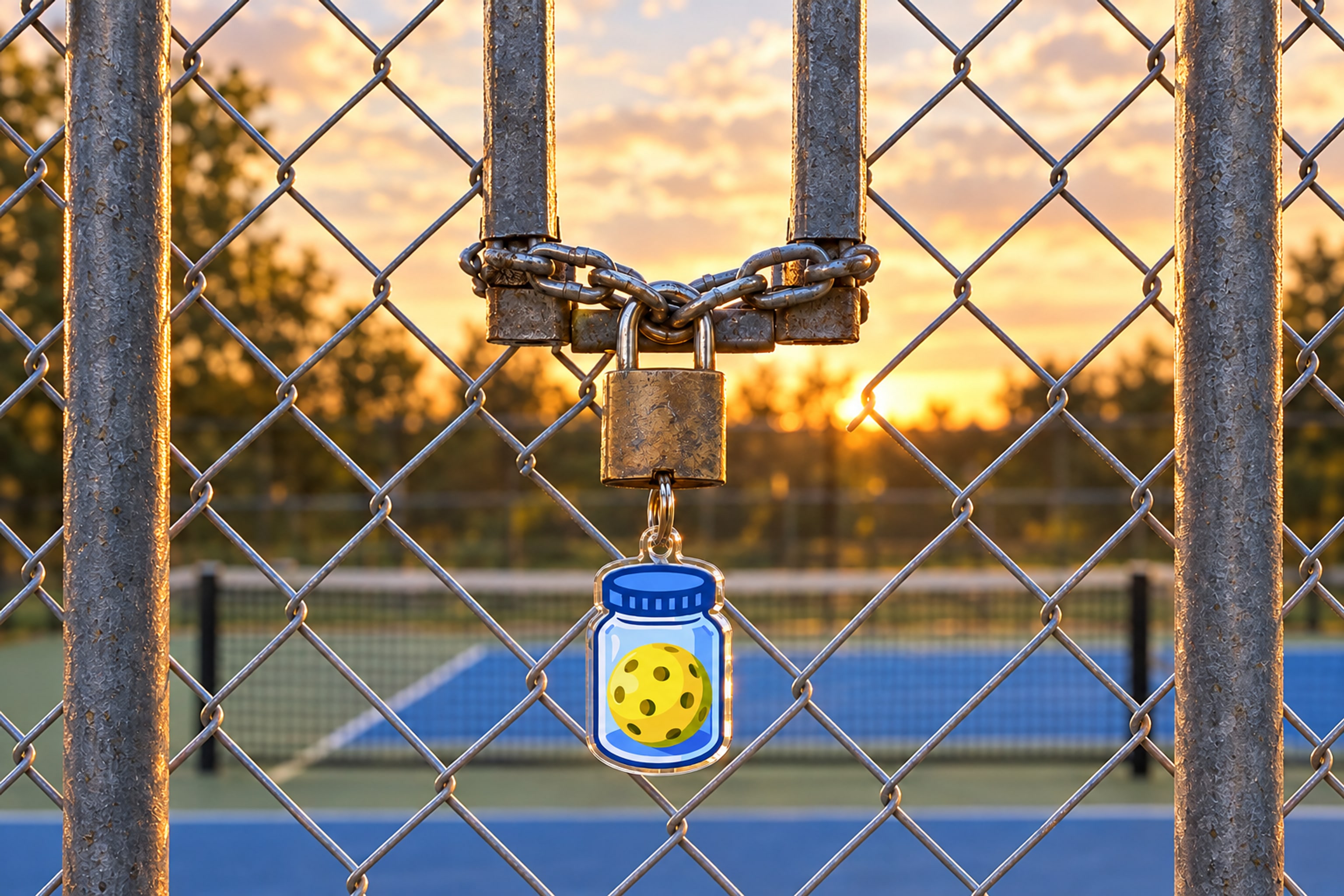
A close-up of the padlock and PickleJar keychain on a court gate at sunset
Gate, close upDownload

Set them up.

  1. 1Tap Save under the picture, then Save Image. It goes straight to Photos.
  2. 2Open Settings → Wallpaper → Add New Wallpaper → Photos and pick the gate.
  3. 3Tap ••• and turn on Depth Effect, so the lock and keychain hang in front of the clock.
  4. 4Tap Add, then Customize for the Home Screen and pick the court from Photos.
  5. 5Open the Duo: the gate swings away and the net lands on the hinge.

The keychain's real, and so is the app. Organize games, score from your Apple Watch and run round robins with PickleJar.

Download on theApp Store